



















FAQ Sensors Over Range Test
1. Introduction
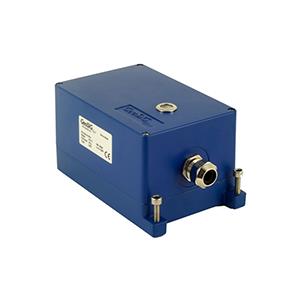
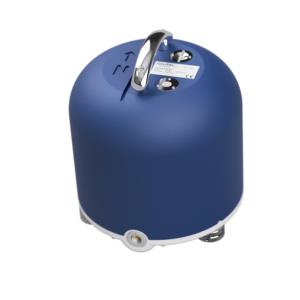
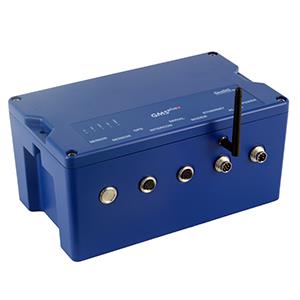
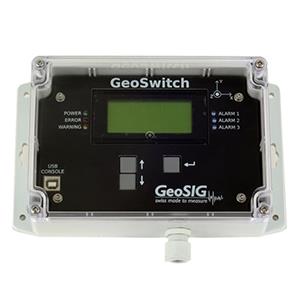
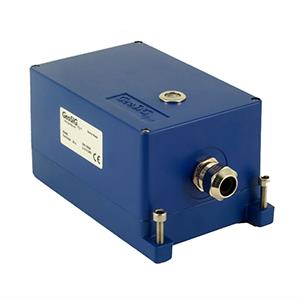
- GeoSIG sensors can be tested by shaking each axis to see whether they reach the fullscale.
2. Required Tools
- Sensor to test
- Recorder/Datalogger to record sensor output
- Software to read recorded sensor output (GeoDAS is recommended)
3. Check for Existing Procedures
- Please check whether there is a project-specific procedure for your system to follow instead -- especially if your system is tied to an alarm system, as the execution of the over range test described in this procedure may cause an alarm.
4. Remove Offset
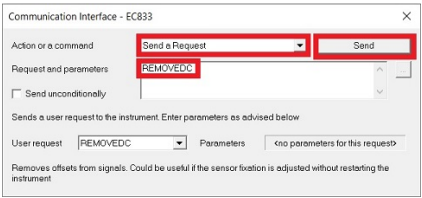
- In GeoDAS window Stations: General Information, right-click on the station and choose Instrument Control.. -> Send a Request -> REMOVEDC -> [Send]
5. Shake Each Sensor Axis
- Velocity sensors need only slight shaking to reach the full scale. Accelerometers need stronger shaking; more than 2g can be hard to reach when shaking by hand.
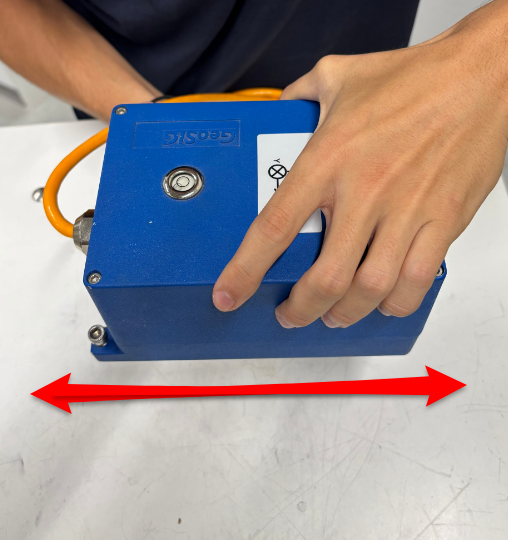
- Shake the sensor horizontally in the direction of x-axis.
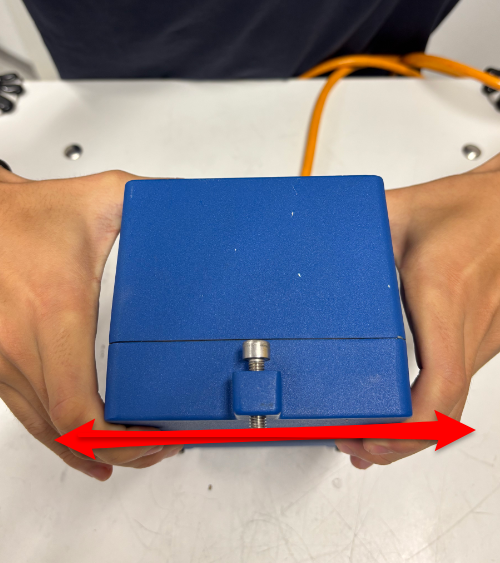
- Shake the sensor horizontally in the direction of y-axis.
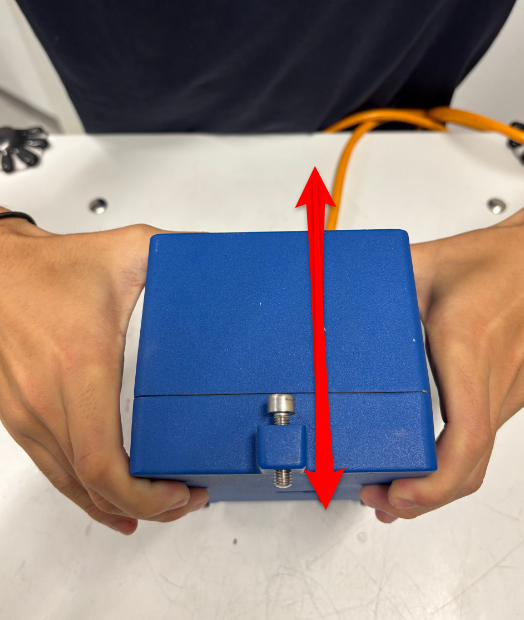
- Shake the sensor vertically in the direction of the z-axis.
6. Access Over Range Test File
- With default setting, a miniseed file (file prefix TRG_) will be uploaded to the Data folder of your station in GeoDAS (C:\GeoDAS_DATA\Data\)
- If continuous recording (ringbuffer) is active, the over range test will also be visible in the latest ringbuffer (file prefix RBF_) unloaded to the folder DataStreams of your station (C:\GeoDAS_DATA\Datastreams\)
7. Check Over Range Test
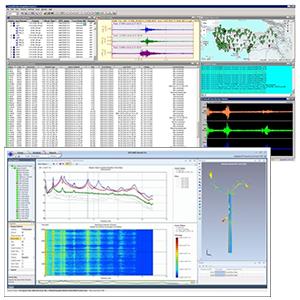
- Double-click the file to open it in GeoDAS
- Cick into the yellow part of the window to make the cursor appear
- Move the cursor to the positive and negative peaks of each axis (see red markings in the picture below)
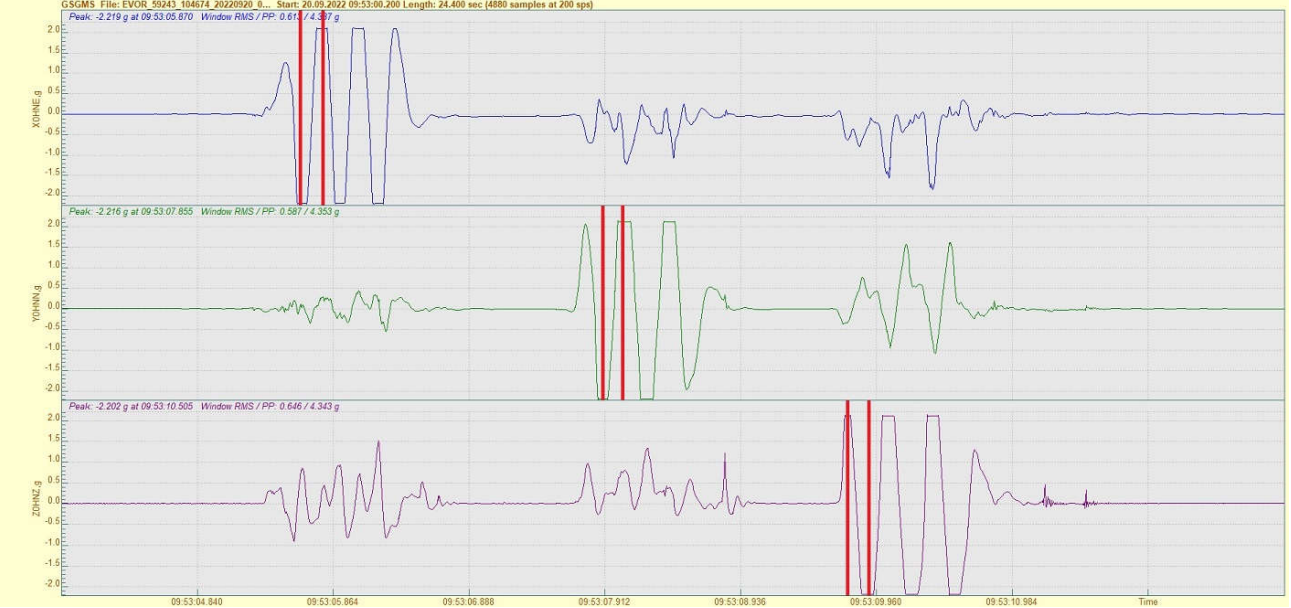
- Check that the peak values exceed the fullscale of your sensor. (The fullscale is indicated on the sensor label)
Click here to download a PDF version